


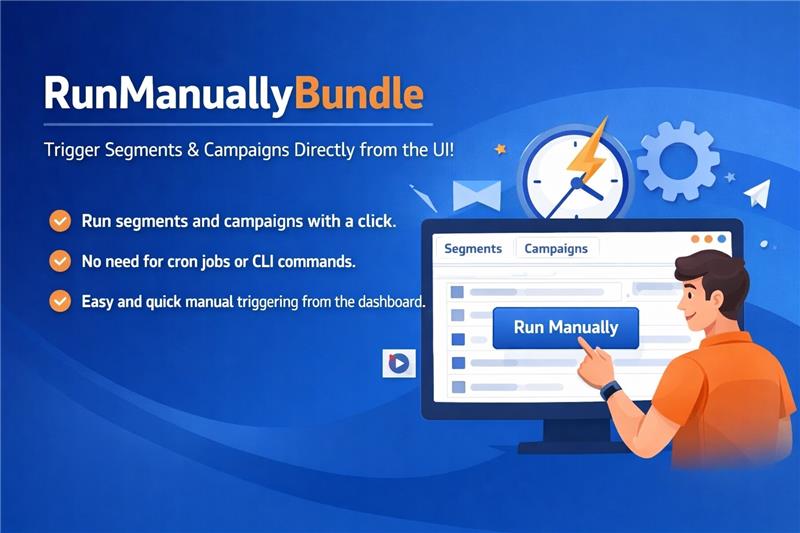

Description
Installation & Setup
Prerequisites
- Administrative access to install plugins.
- Composer (if plugin dependencies are managed externally).
Installation Steps
- Copy the RunManuallyBundle into the application’s
plugins/directory. - Run the following command:
php bin/console mautic:plugins:reload - Log in to the application’s admin panel and navigate to Settings → Plugins.
- Locate the Run Manually Plugin and click Install/Update.
- Verify that the plugin is active.
- Clear the cache and run:
bin/console m:a:g
Working of the Plugin
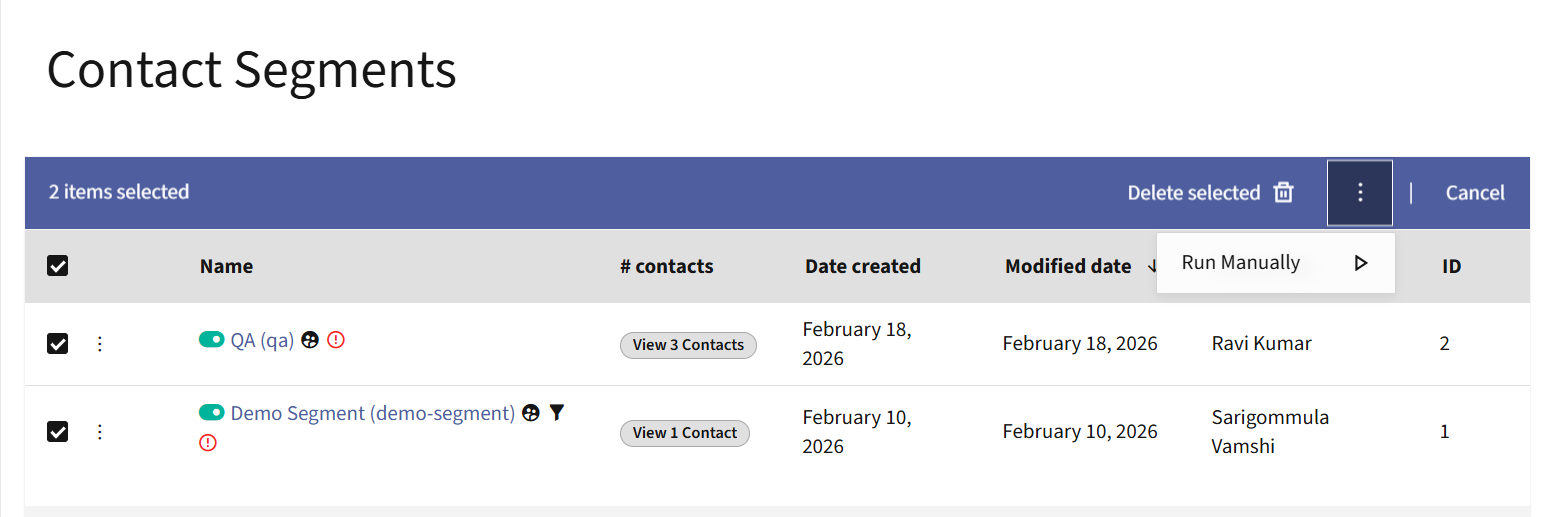
- After installing the plugin, a new button Run Manually appears in both the list actions and detailed view of Segments and Campaigns.
- For list actions, users can select multiple segments or campaigns and trigger them manually from the UI.
- In the detailed view, a dedicated button is available to manually trigger both segments and campaigns.
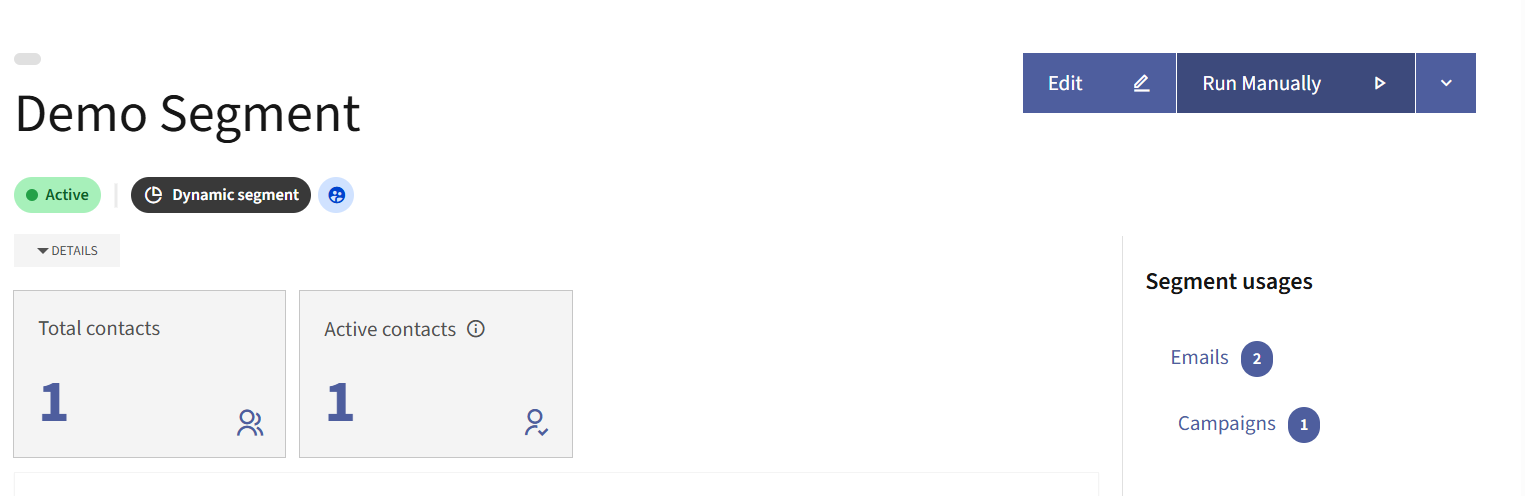
- Clicking the Run Manually button triggers the selected segment or campaign directly from the UI, eliminating the need to execute CLI commands for manual processing.

Reviews
There are no reviews yet.